Customers & history
Keep names, numbers, addresses and documents together. Sync records between your team's phones.
Take your customers, jobs and paperwork into the field. Add your own logo and business details, then keep everything on hosting you control.
Version 1.0.0 · Android 7+ · Free software download. Your own hosting and email service are required.
A quick look at the real app screens, filled with fictional demo records. Tap any picture to open it at full size.
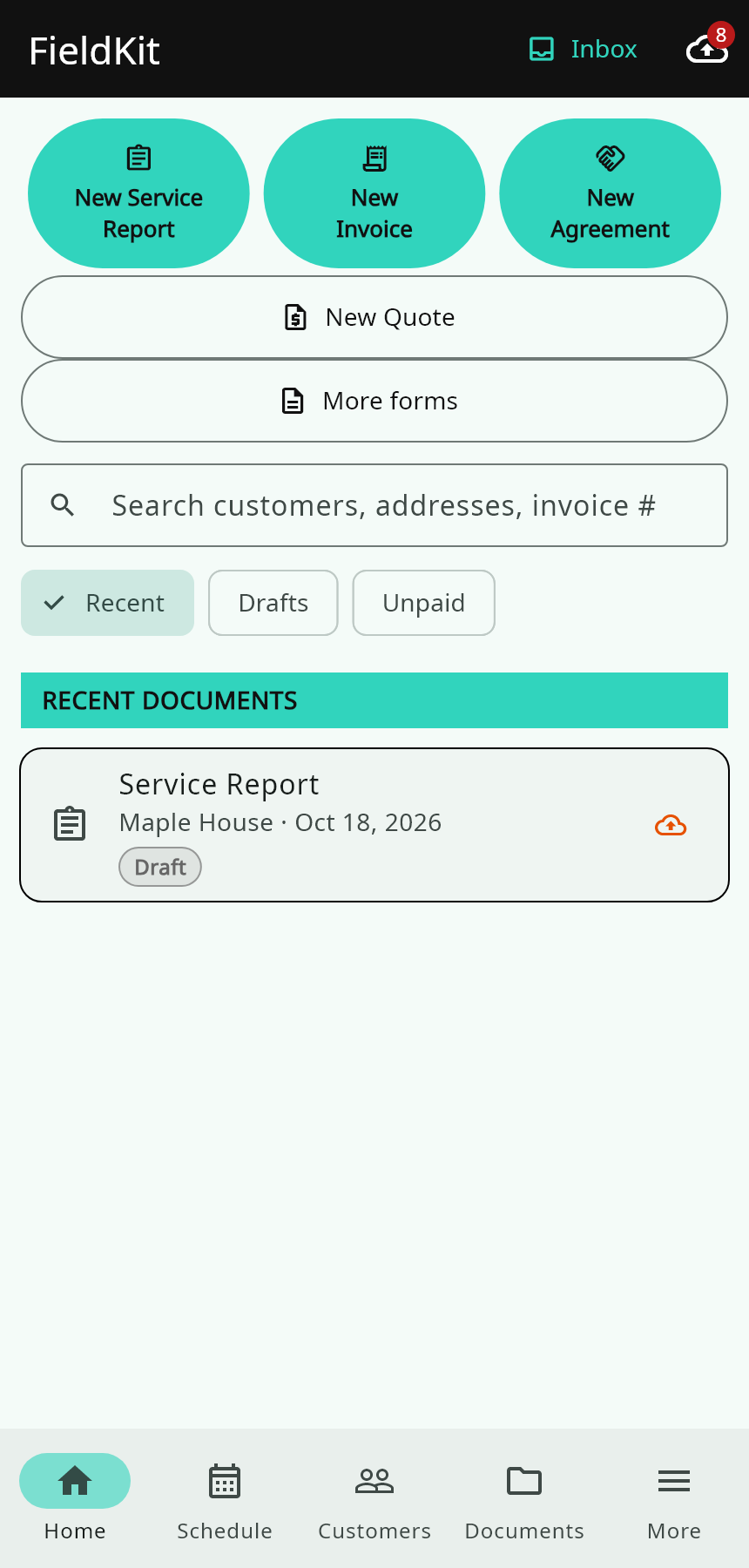
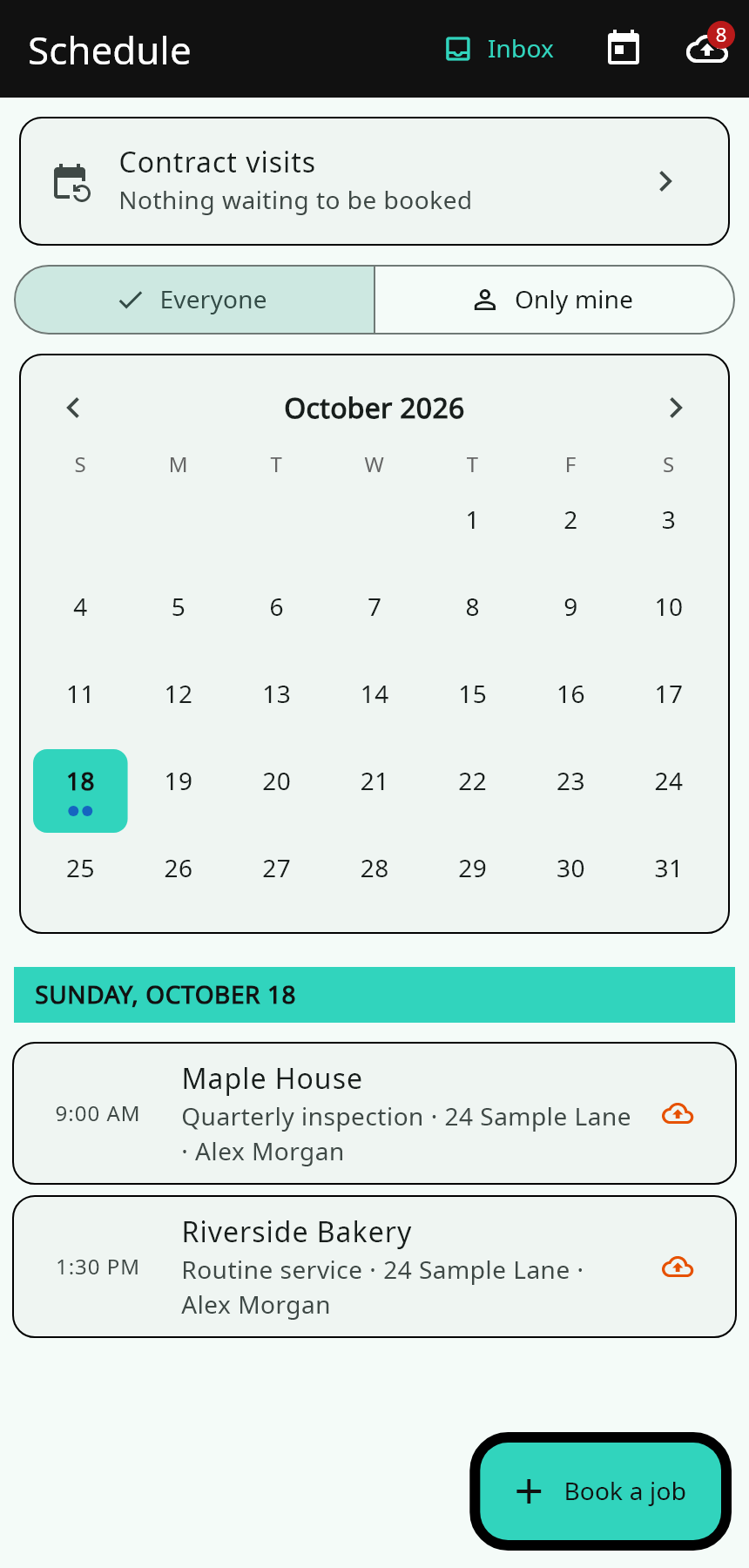
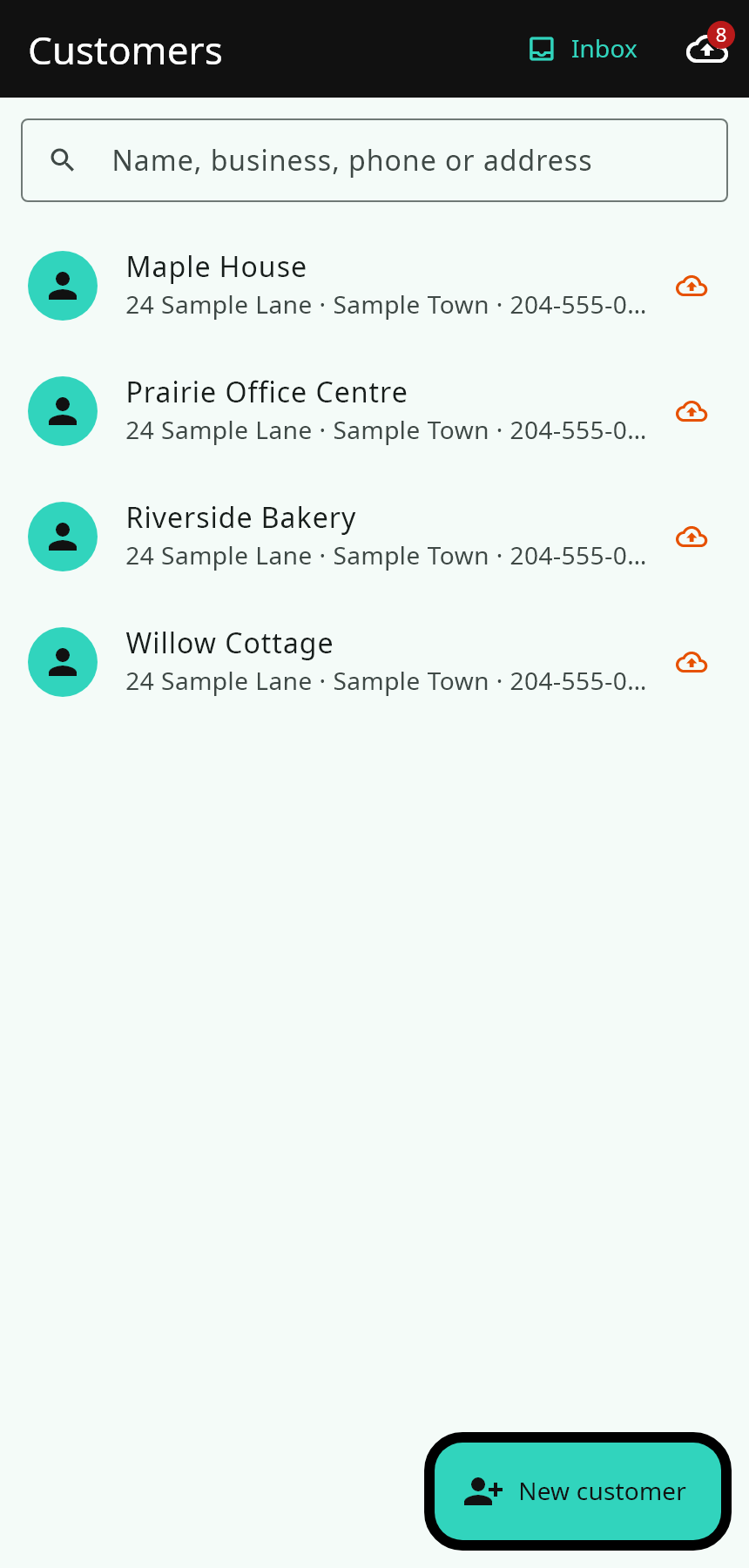
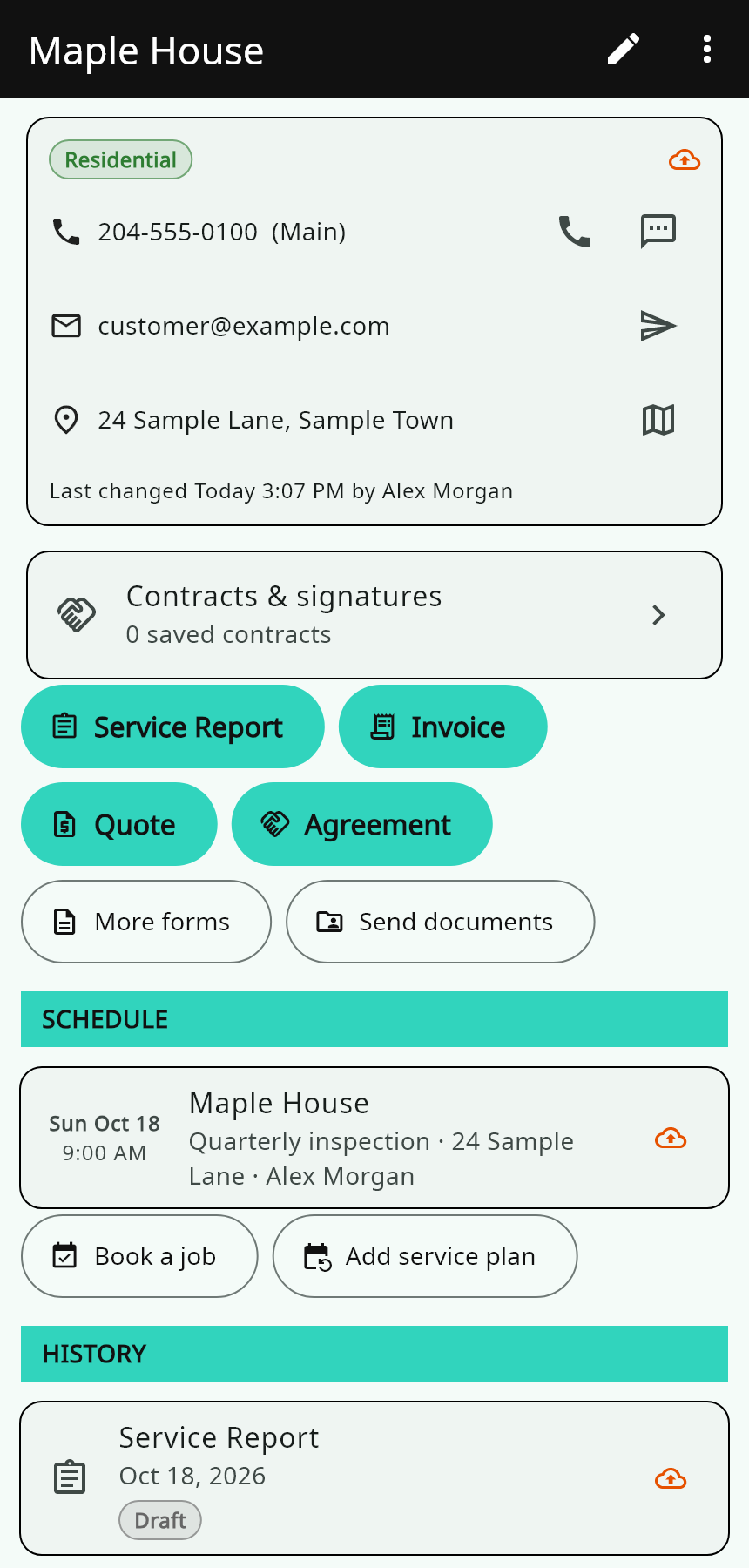
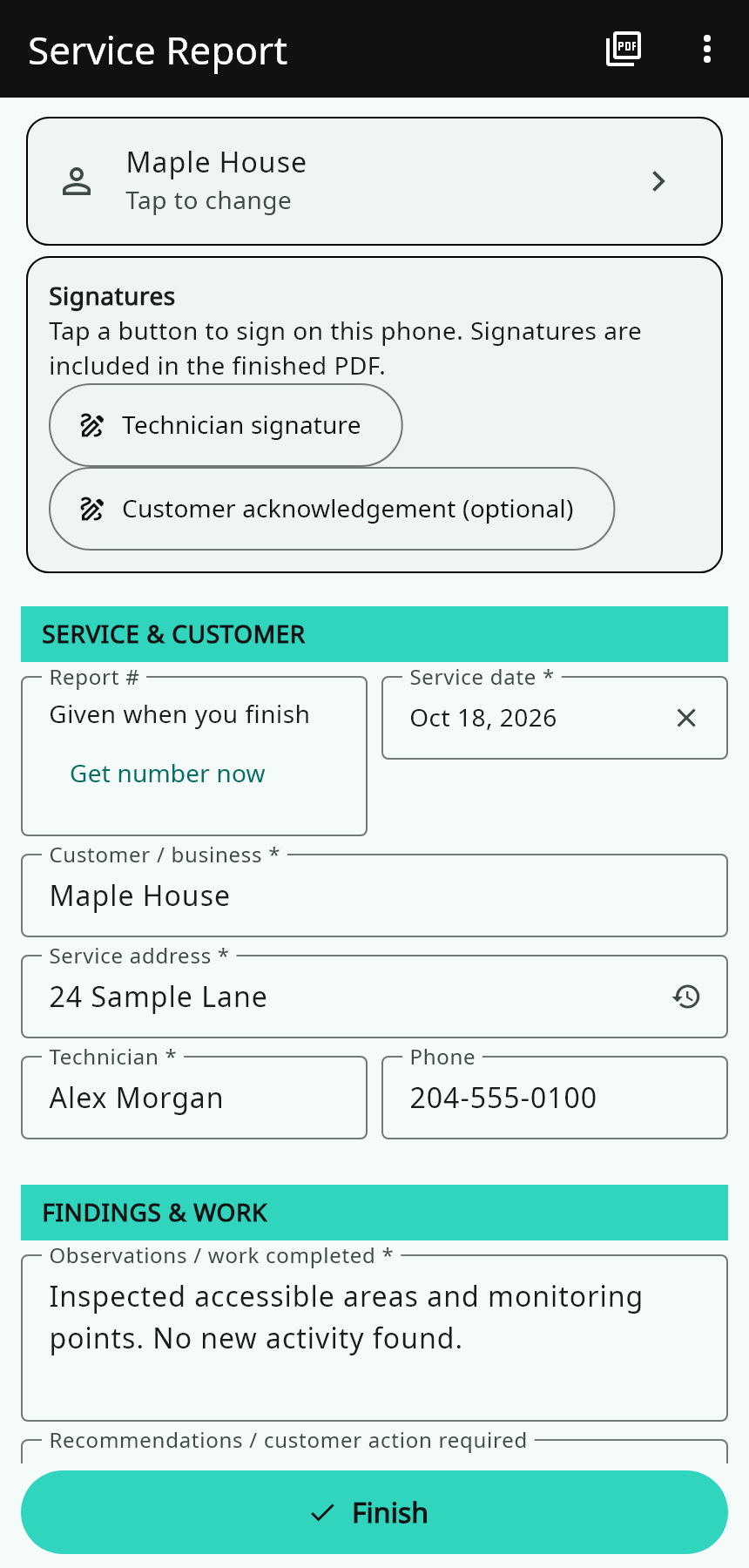
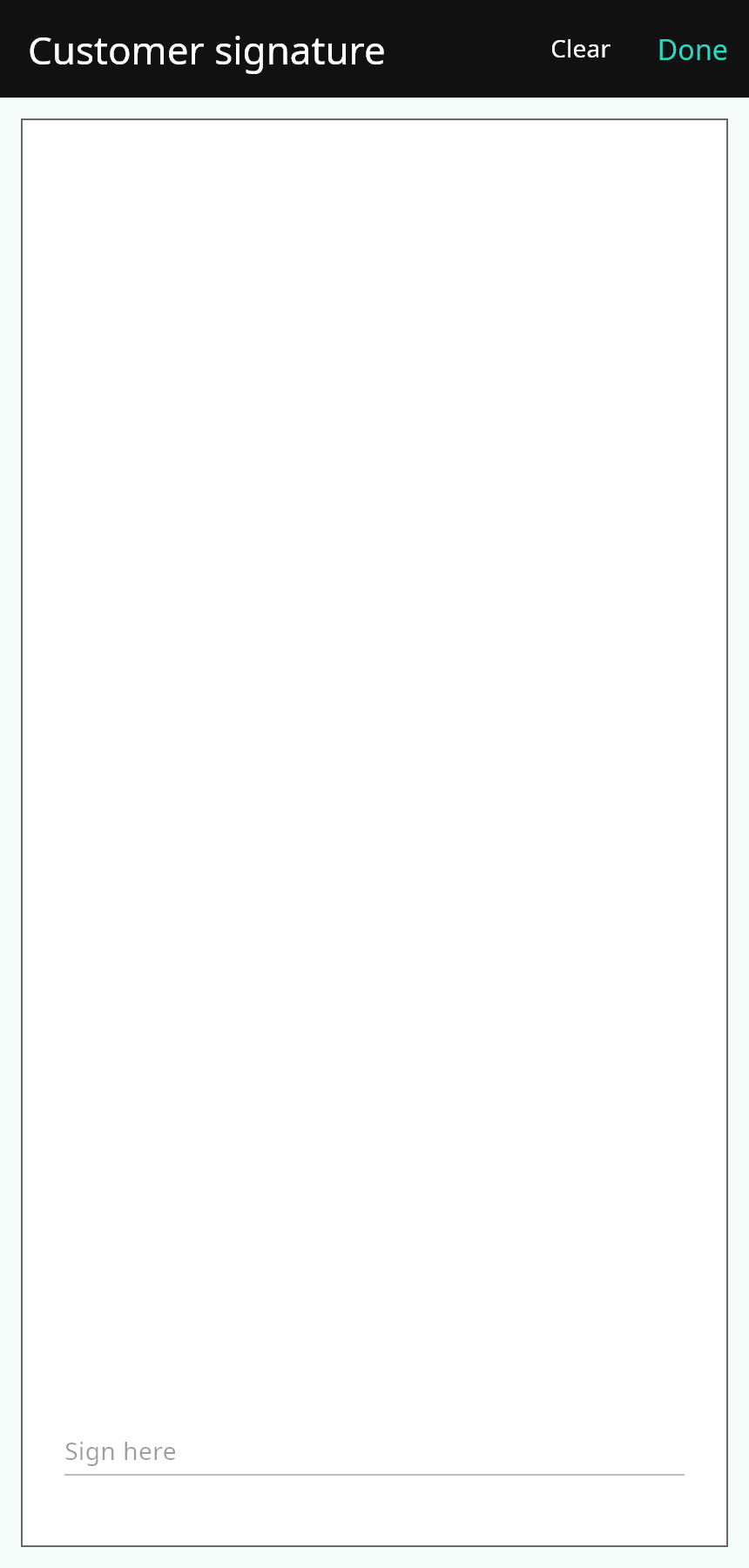
Captured from the actual Flutter app UI at phone size using local demo data. Android system bars and keyboard are not shown. No real customer information is included.
Pest-control forms are included, along with the everyday tools to run your field work.
Keep names, numbers, addresses and documents together. Sync records between your team's phones.
Assign jobs, book visits and track monthly or quarterly service plans. Choose the reminders your phone shows.
Prepare branded quotes and invoices on site. Keep service reports separate from invoice payments.
Record findings, products and work completed. Preview the finished document before sending.
Sign on the phone or email a contract link for the customer to review and sign in their browser. The returned copy stays in the app.
Replace the logo, app title and contact details in Settings. Add an optional branded home-screen shortcut.
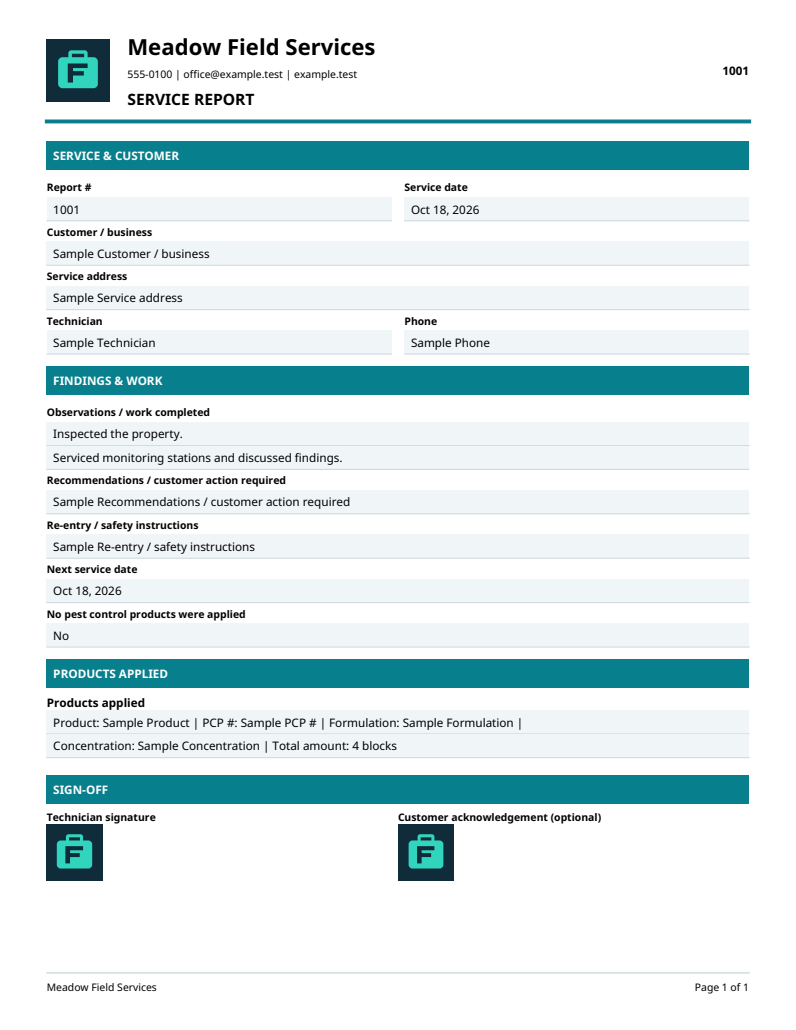
Reports, quotes and invoices use the business identity you choose.
Example document with sample business details. No real customer information is shown.
Use HTTPS, PHP 8.2+ and a new MySQL database for your business.
Upload the supplied server, enter your private database and SMTP settings, then create your first login.
Install the Android APK and enter your own server address at sign-in.
Add your logo, business details, products, staff and prices in Settings.
The app and server package are free to download. You provide and pay for your own domain, hosting and email service. PFlix does not run your business database.
No. A customer signing link opens in their browser. Your configured server sends the returned copy, and your phone receives it when it syncs.
Settings changes the name shown inside the app and the business logo on documents. The installed app is named FieldKit. Supported Android 8+ launchers can add a home-screen shortcut using your chosen name and logo.
You can use saved records and keep working on drafts offline. Email, customer links and team sync need your server connection. Sign in and sync before heading out.
Create a sample customer, booking, report and quote. Send yourself an email and return a test signature before using the setup with customers. Keep regular backups of your hosting and database.