PDF Unlock Pro
Unlock, un-restrict and make editable copies of the PDFs you own — a password you know, print and copy locks, and signed forms you need to change. It is free, it works offline, there is nothing to sign up for, and it keeps itself up to date.
Windows 10 or 11, 64-bit. The first time you run the installer, Windows may say “Windows protected your PC” — choose More info, then Run anyway. The app isn’t code-signed yet. Use it only on documents you own or are allowed to modify.
A look inside
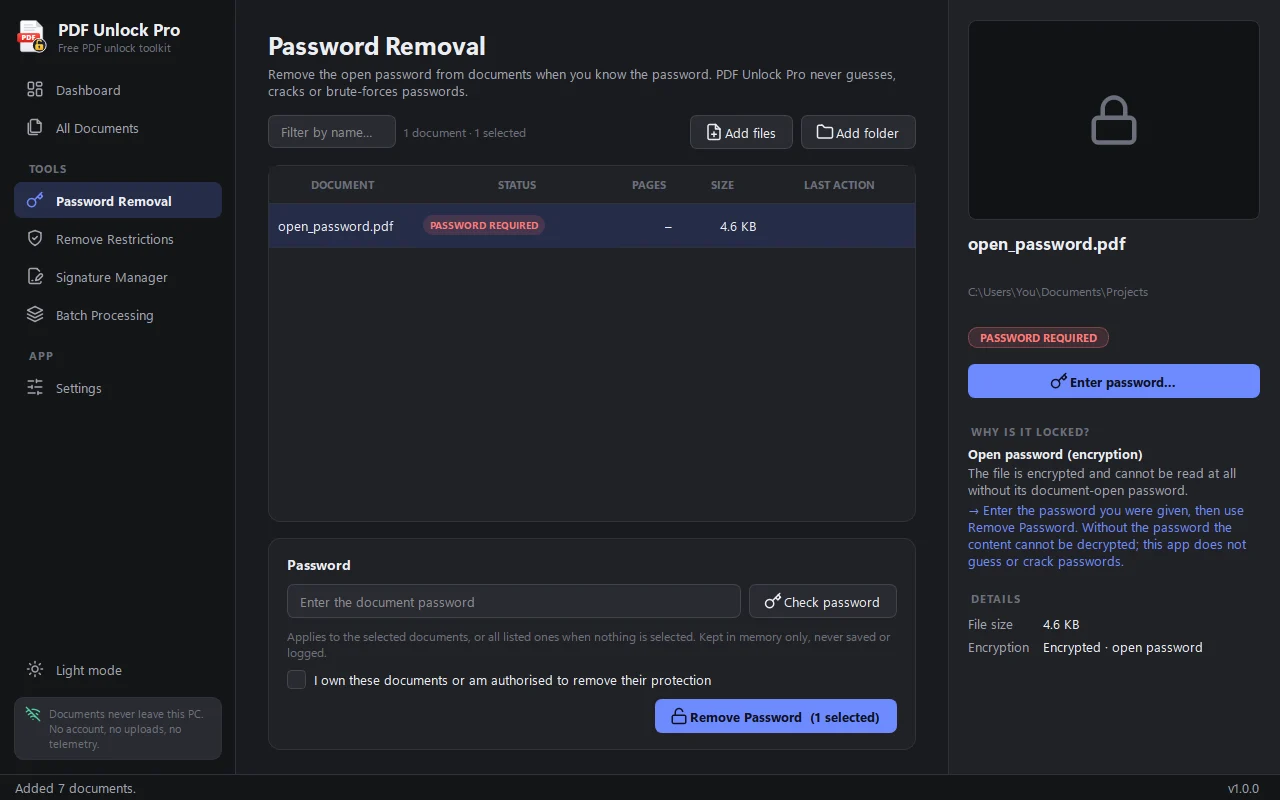
Open a protected PDF with its password and save a copy that opens without one. It never guesses or cracks passwords, and never saves them.
Turn a locked-down PDF back into a normal one you can print, copy from, fill in and edit.
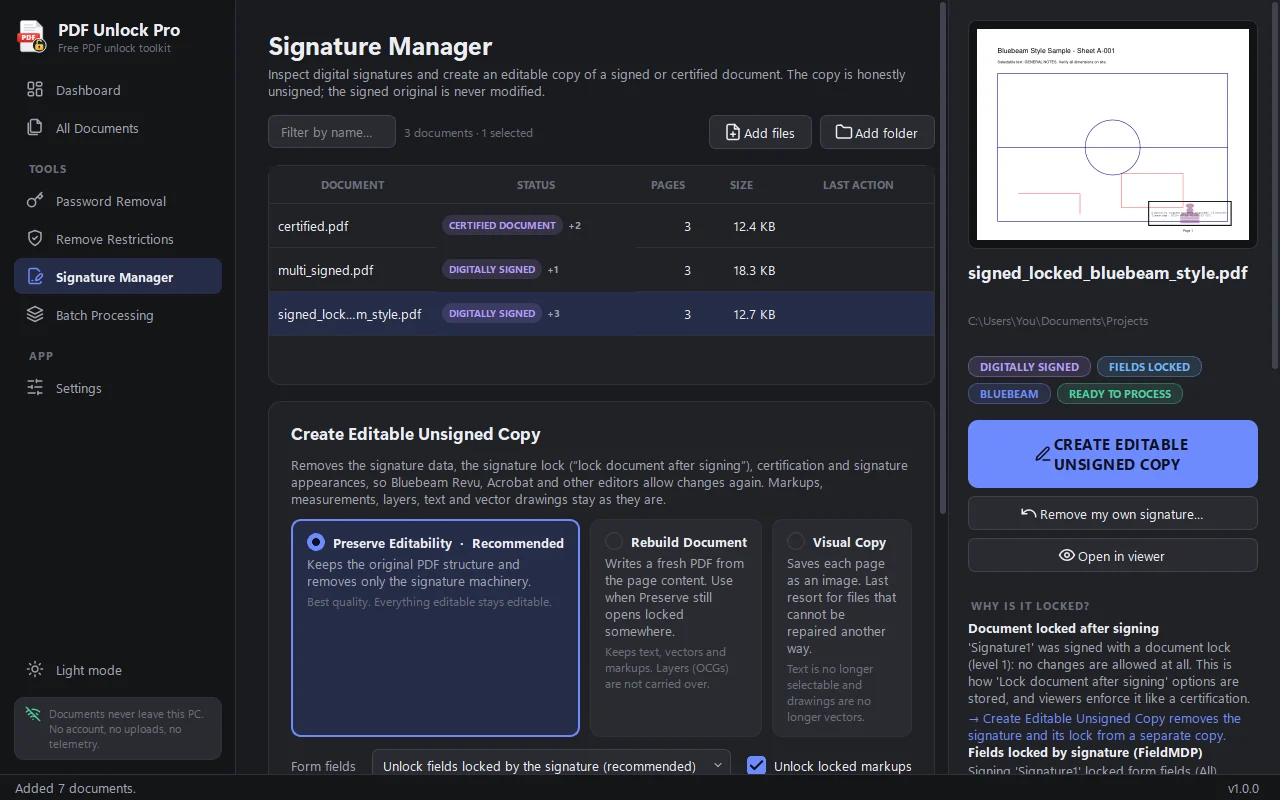
Signed documents lock editing. Make an unsigned copy that keeps the layout, with three modes for stubborn files. It never fakes or copies a signature.
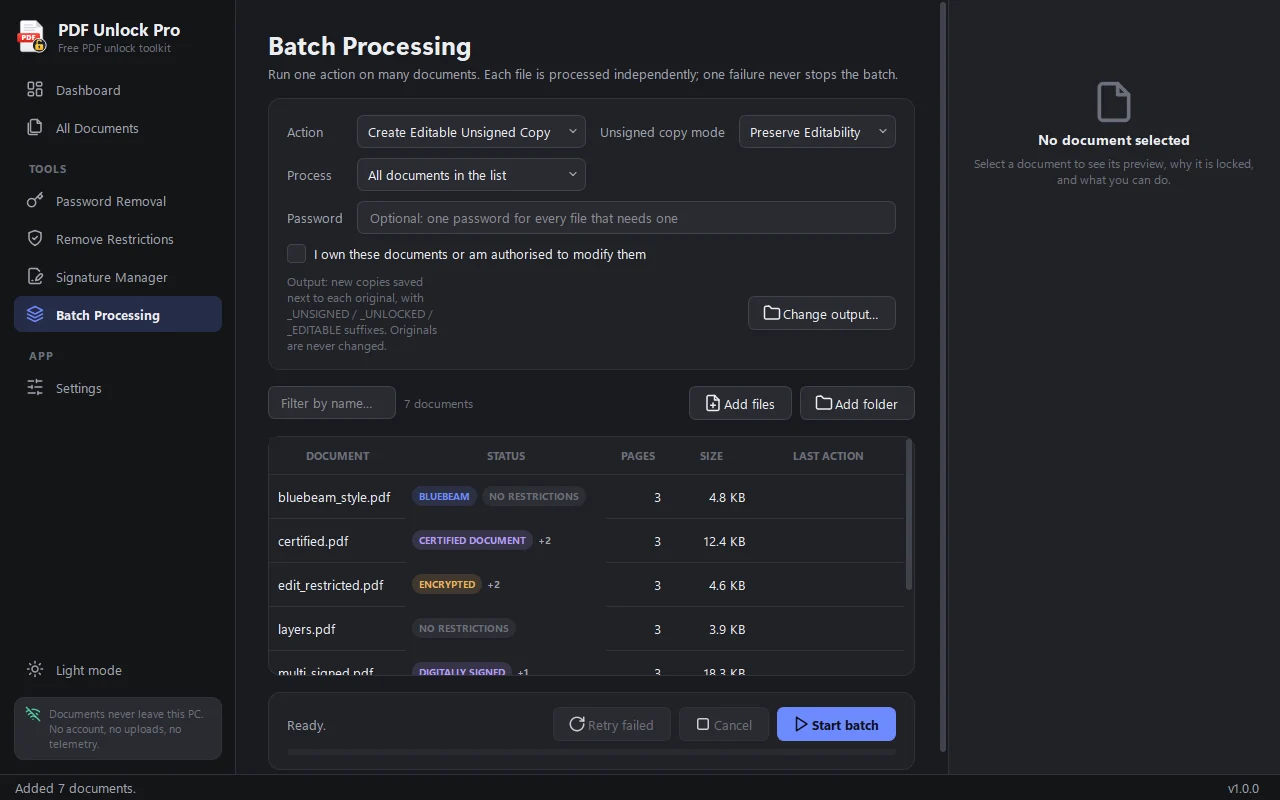
Process a folder in one go, preview pages, and compare the original and the copy side by side. Your originals are never overwritten.
Everything happens on your PC. No account, no uploads, no telemetry — the only connection is the optional update check.
The app checks pflix.shop for new versions, verifies the download, and installs it for you. You can turn this off in Settings.
Free, and it stays free
No trial, no locked features, no ads, no subscription. Download it, use it, share the installer with anyone who needs it.