PFlix Website Creator
A website package is only the beginning.
Make it feel like you.
A free Windows app for customizing PFlix website packages. Edit text, pictures, fonts and colours with live desktop and mobile previews, then export for hosting. No account or subscription is needed to use the editor.
Download free for WindowsVersion 1.7 · Windows 10/11, 64-bit · Microsoft Edge WebView2 Runtime required
Browse free website packages →
Open your package
Choose a PFlix ZIP, RAR, Creator-ready package or website folder. Your original files stay safe.
Customize and preview
Change the content and design, replace pictures, and check desktop, tablet and mobile views.
Install on your hosting
Export your website ZIP, then use the included hosting guide to put it online.
Real pictures from the app
Actual screens showing a restaurant package being customized.
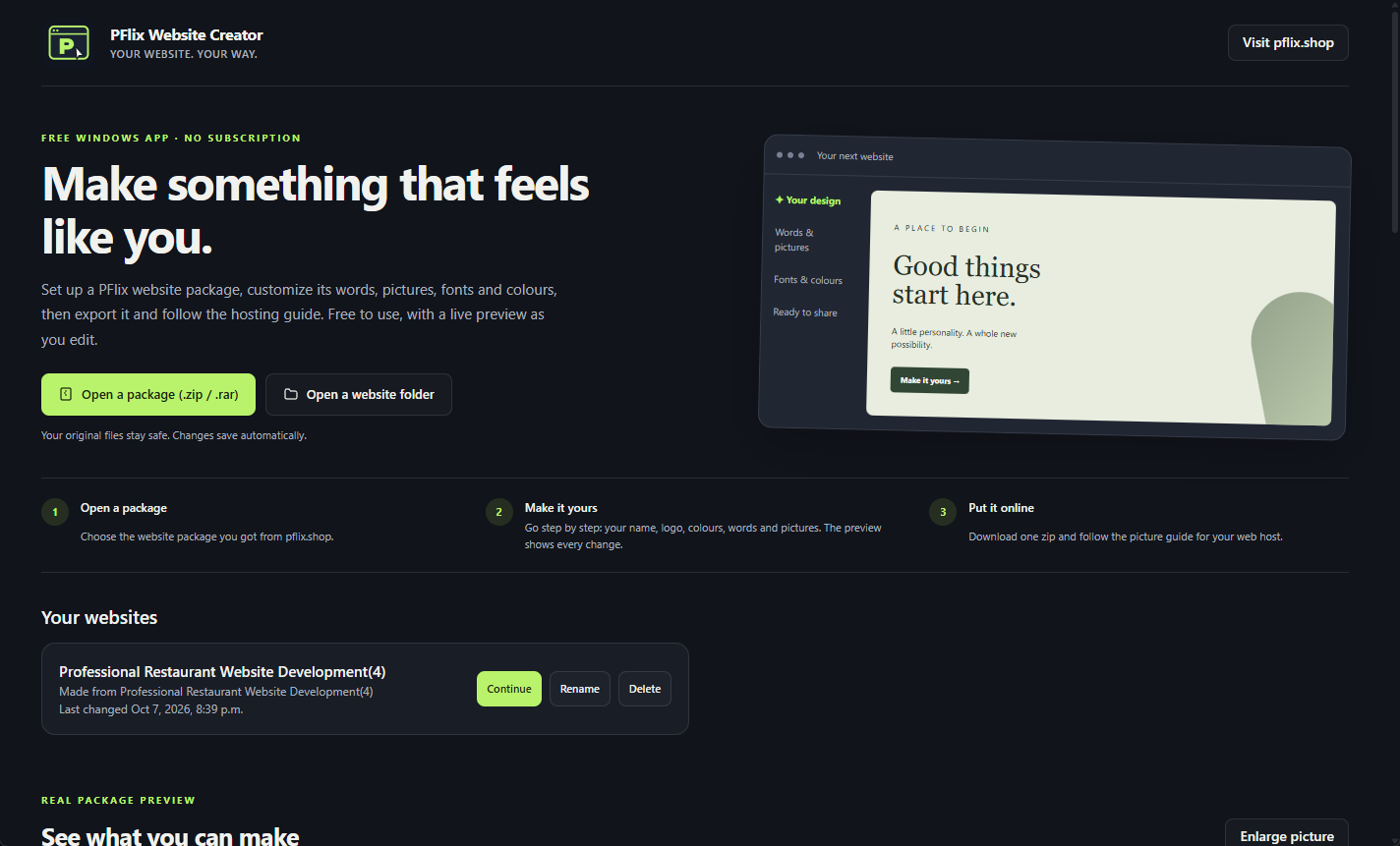
Choose your starting point
Browse PFlix packages, open a ZIP, RAR or website folder, and continue saved projects.
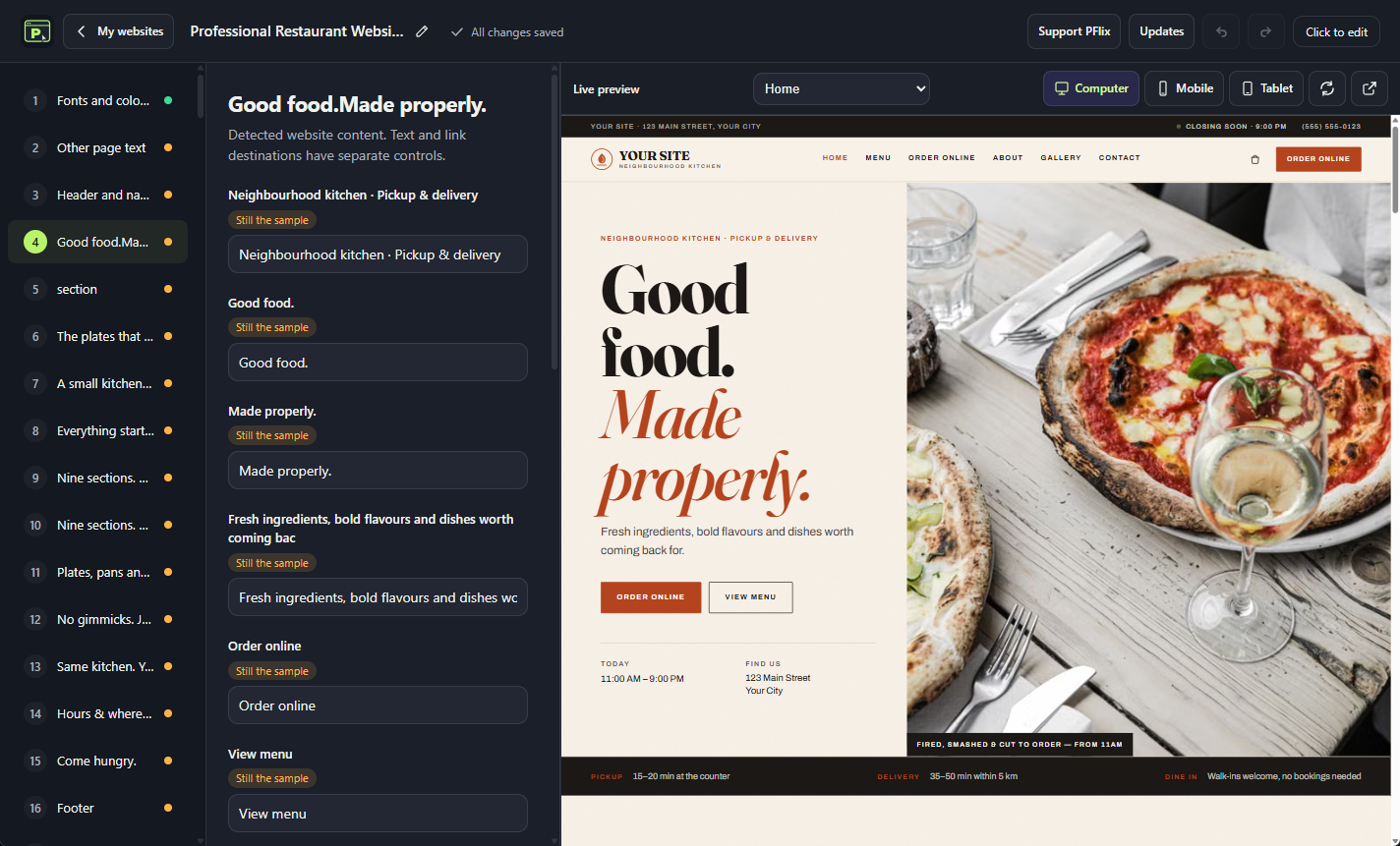
Edit with a live preview
Change the words and pictures while seeing your actual website beside the editor.
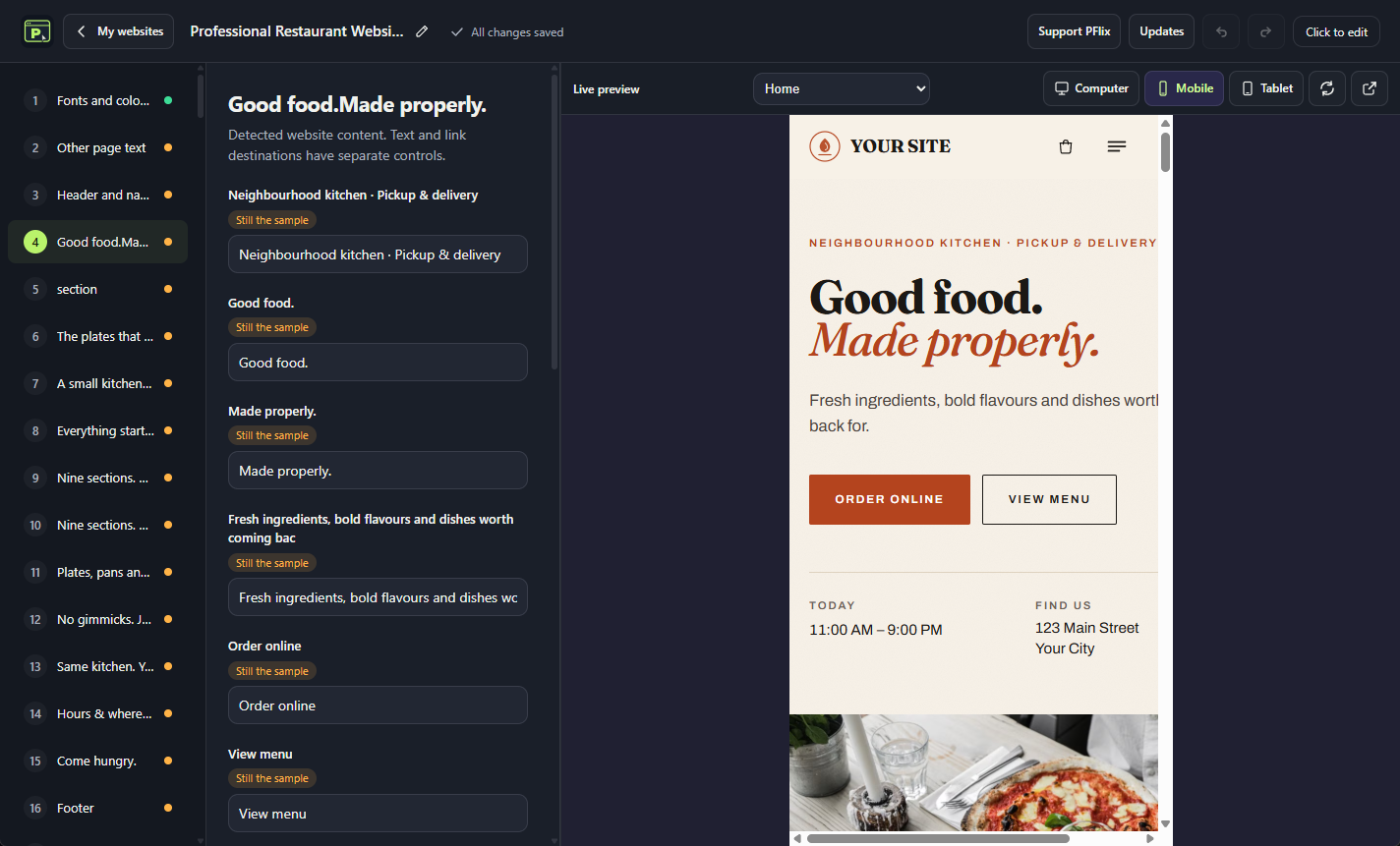
Check the mobile view
Switch between computer, tablet and mobile. The preview follows the section you are editing.
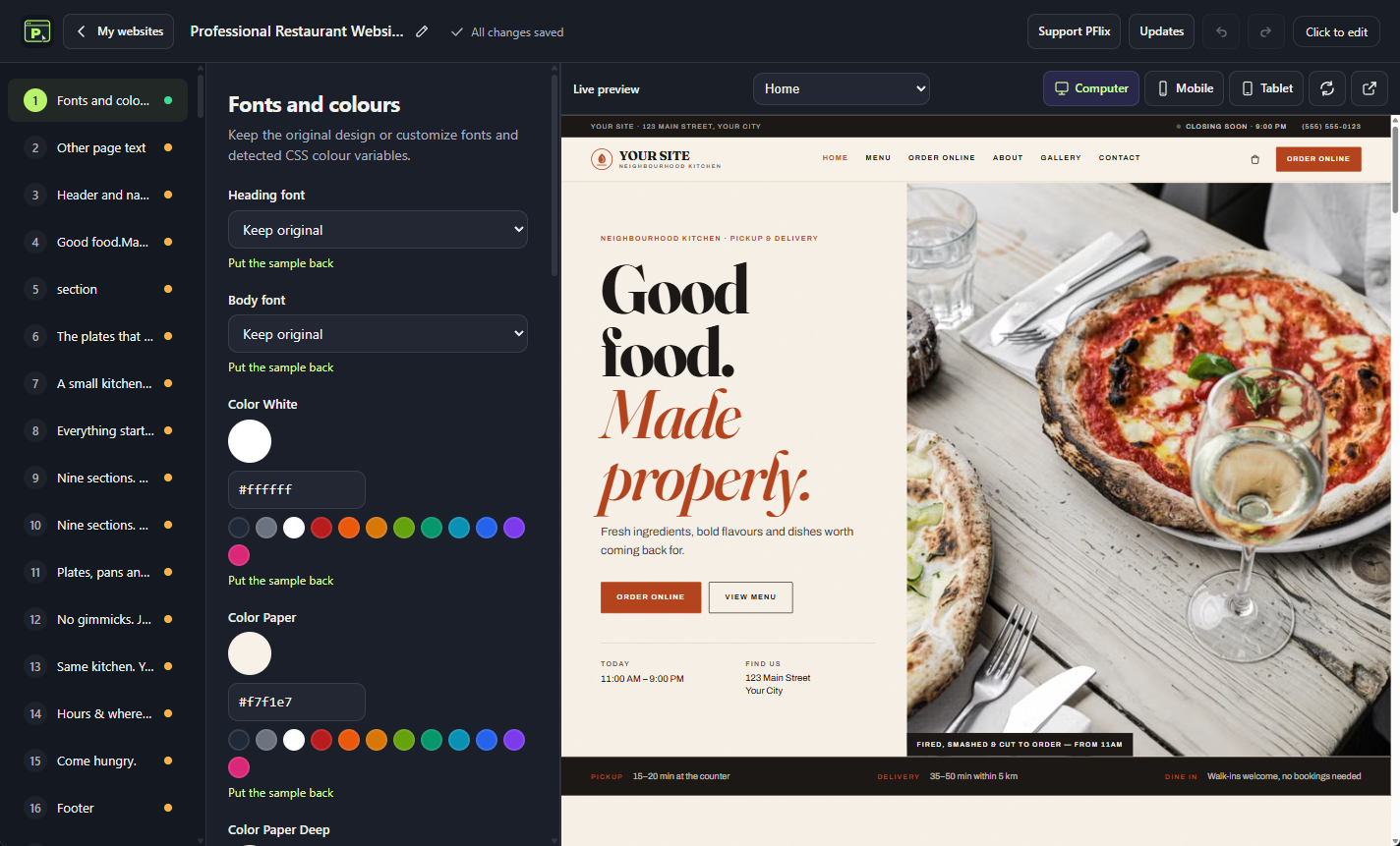
Make the design yours
Choose heading and body fonts, adjust colours and personalize the look of supported packages.
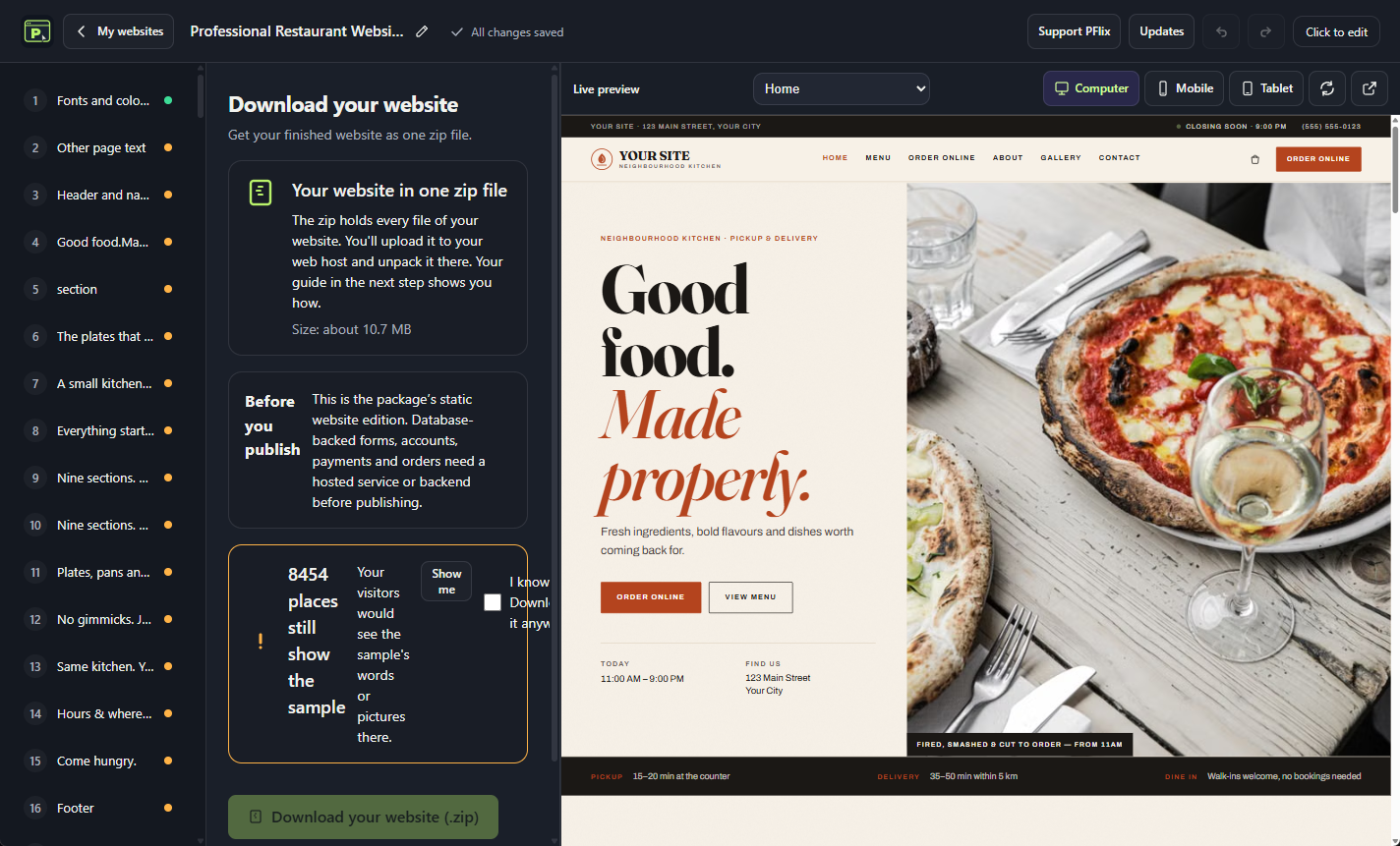
Prepare it for your hosting
Check your changes, export the website ZIP and follow the hosting guide.
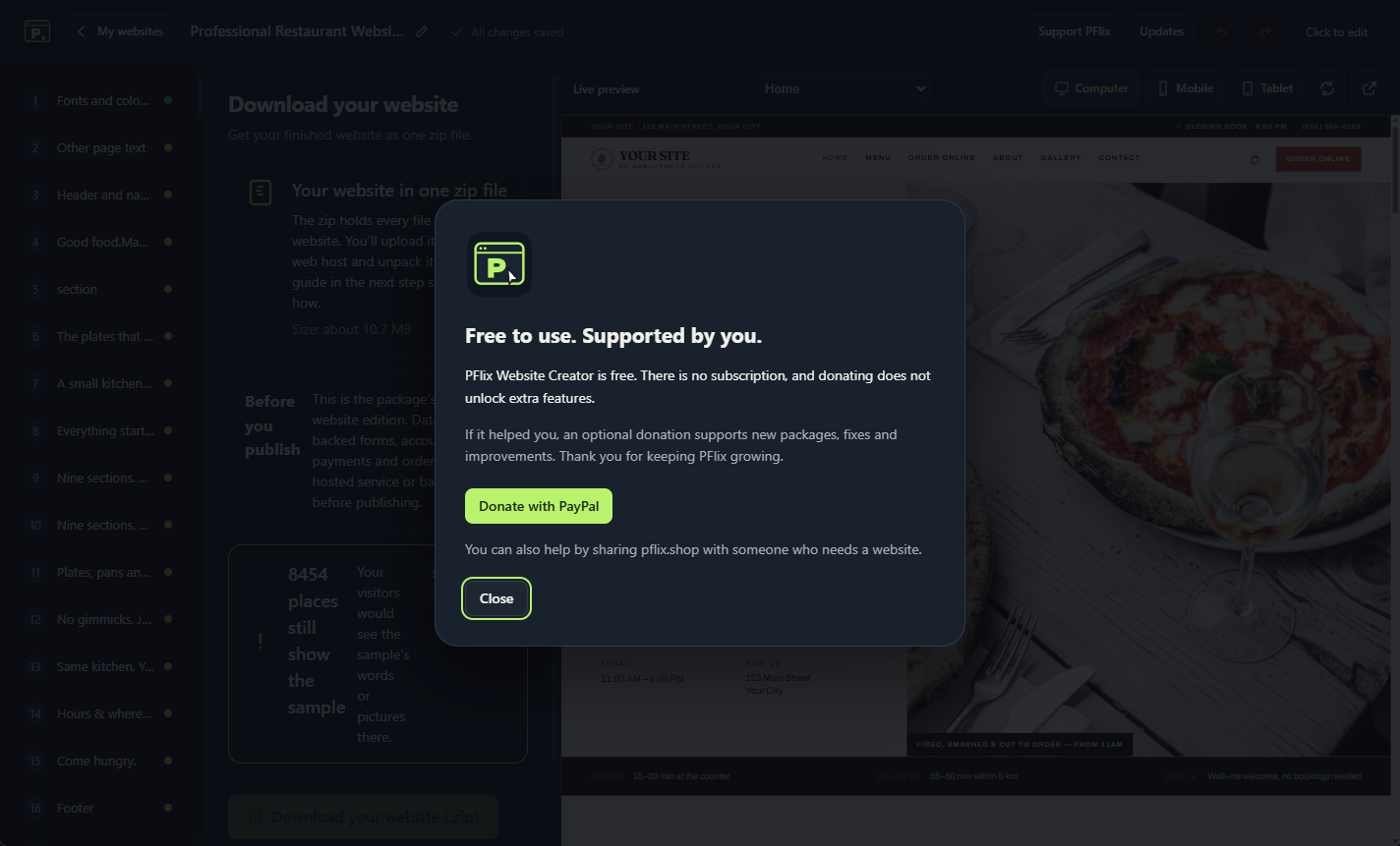
Always free, with optional support
All editing features are free. Donations are optional and help support development.
Free software. Your own website.
The app is free to download and use. Your editable projects stay on your computer. Undo, redo, automatic saving, pictures, fonts, colours, live previews and ZIP export are included.
It checks pflix.shop for signed updates and downloads them in the background. Updates install after you close the app, or when you choose to restart. Automatic updates can be turned off.
Which packages can I use?
All 20 recently added packages were checked for opening, editing and static website export. The exact 20 released archives open using bundled, tested editions without npm setup. Unchanged source websites reuse a preparation cache. Other source npm packages need Node.js and internet for their first build; other RAR archives need 7-Zip or manual extraction.
Database-backed forms, accounts, orders and payments need a hosted service or backend. Custom server applications may need extra setup. The app helps prepare and install website files; your domain and hosting are chosen separately.
Get PFlix Website Creator — free